The Continuity Mailbox is an emergency mailbox designed to provide access to your most recent emails if your primary email service (such as Microsoft 365 or your on-premises mail server) becomes unavailable.
Using the Continuity Mailbox, you can:
- View your most recent emails
- Send and reply to messages
- Maintain access to critical communications during a service outage
Because the Continuity Mailbox can contain sensitive business information and may be accessible when your primary email system is unavailable, it is important to secure it with Two-Factor Authentication (2FA).
Two-Factor Authentication adds an extra layer of protection by requiring a second form of verification in addition to your password, helping to prevent unauthorised access to your mailbox.
To enable Two-Factor Authentication, please follow the instructions below.
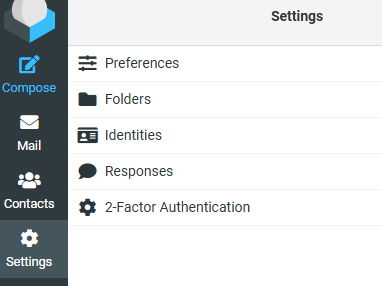
1. Access your Continuity mailbox and select "Settings > 2-Factor Authentication"
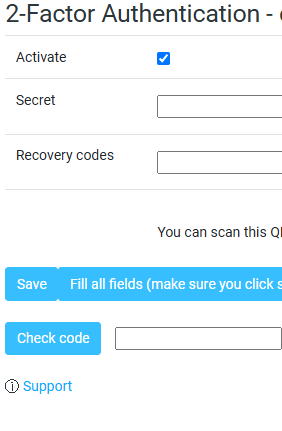
2. Select "Activate" and then click "Save"
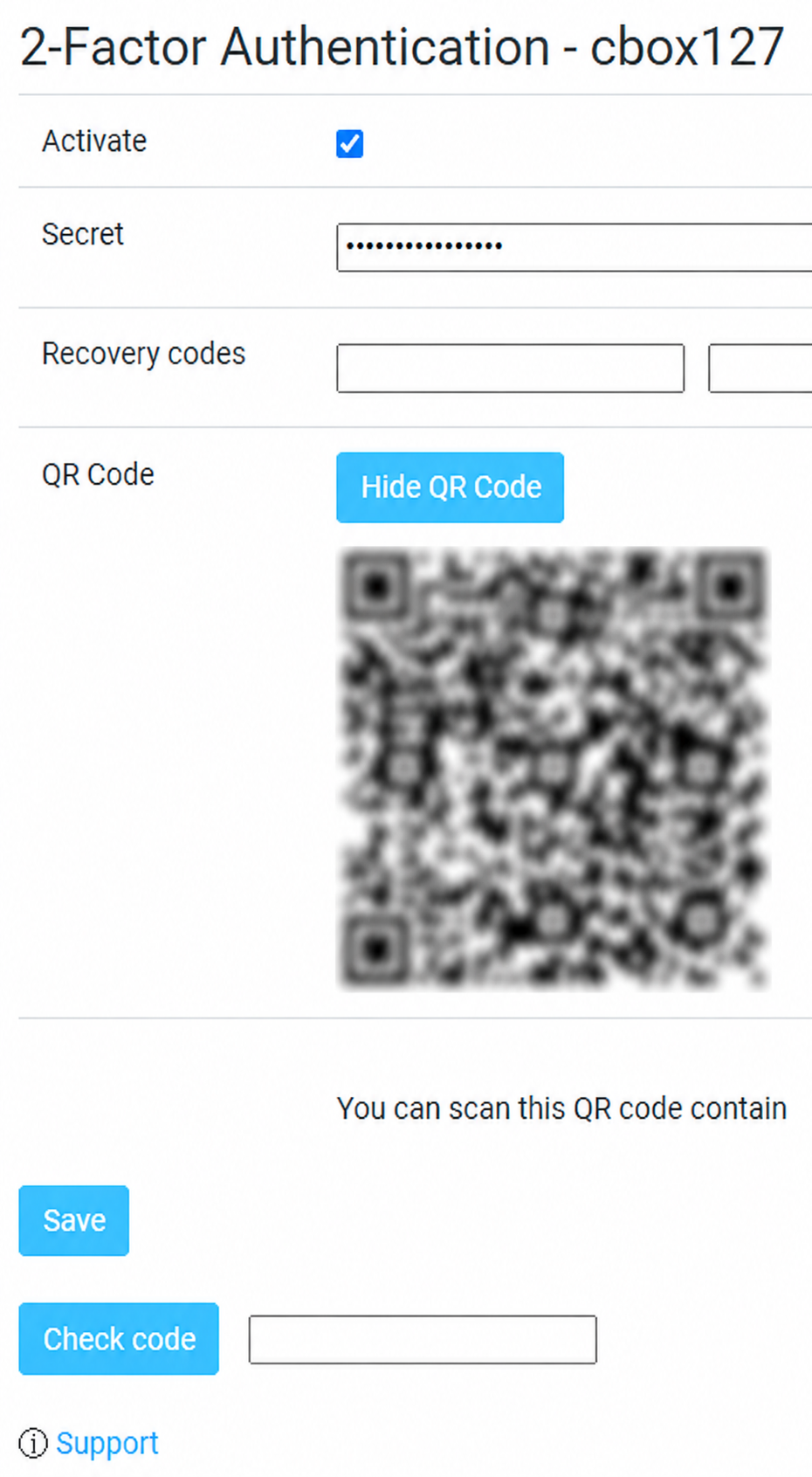
3. Scan the QR code using your favourite authenticator app and click Save.
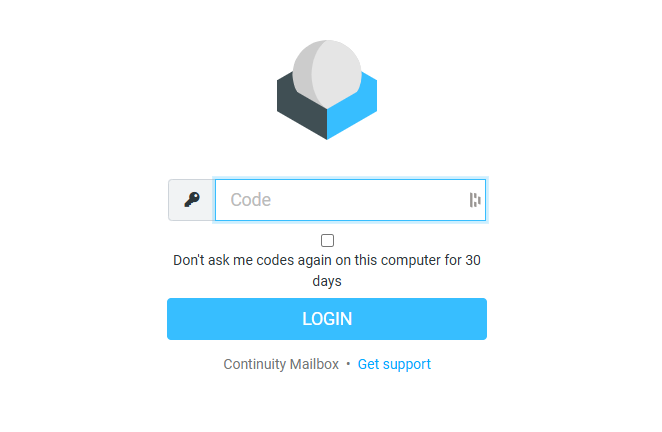
4. Next time you access the continuity mailbox you will be asked to enter your code from the authenticator app